Do You Really Need a Barcode Scanner for Food Tracking?
Dec 12, 2025
//
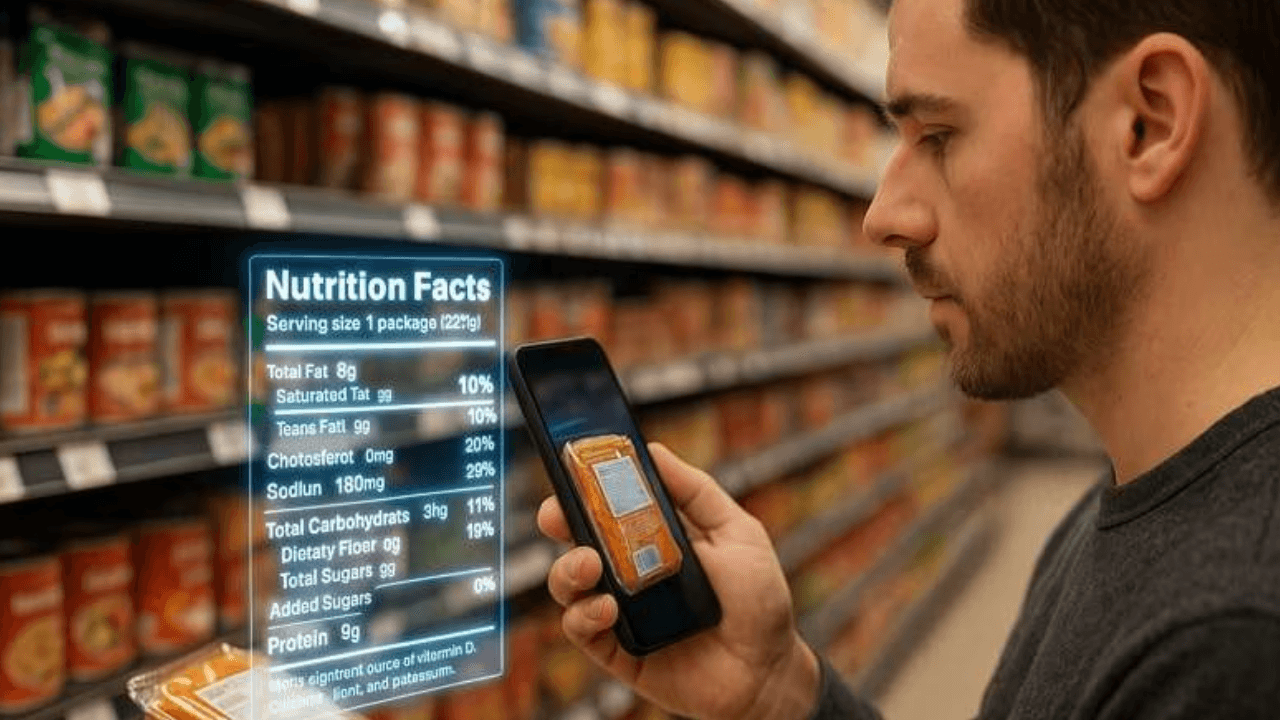
Wondering if a barcode scanner is worth using for food tracking? Find out who needs it, who doesn’t, and why it matters.
Here’s the thing about barcode scanners and food tracking. Everyone’s got an opinion. Some people absolutely swear by them. Others think they’re totally overrated.
So, what’s the deal? Do you actually need one to track your food?
Quick answer: Not really.
Real answer: It depends on how you eat and what works for your brain.
This guide will break down when a barcode scanner is a game-changer, when it’s just a convenience, and when you’re better off without it.
How Food Barcode Scanners Actually Work
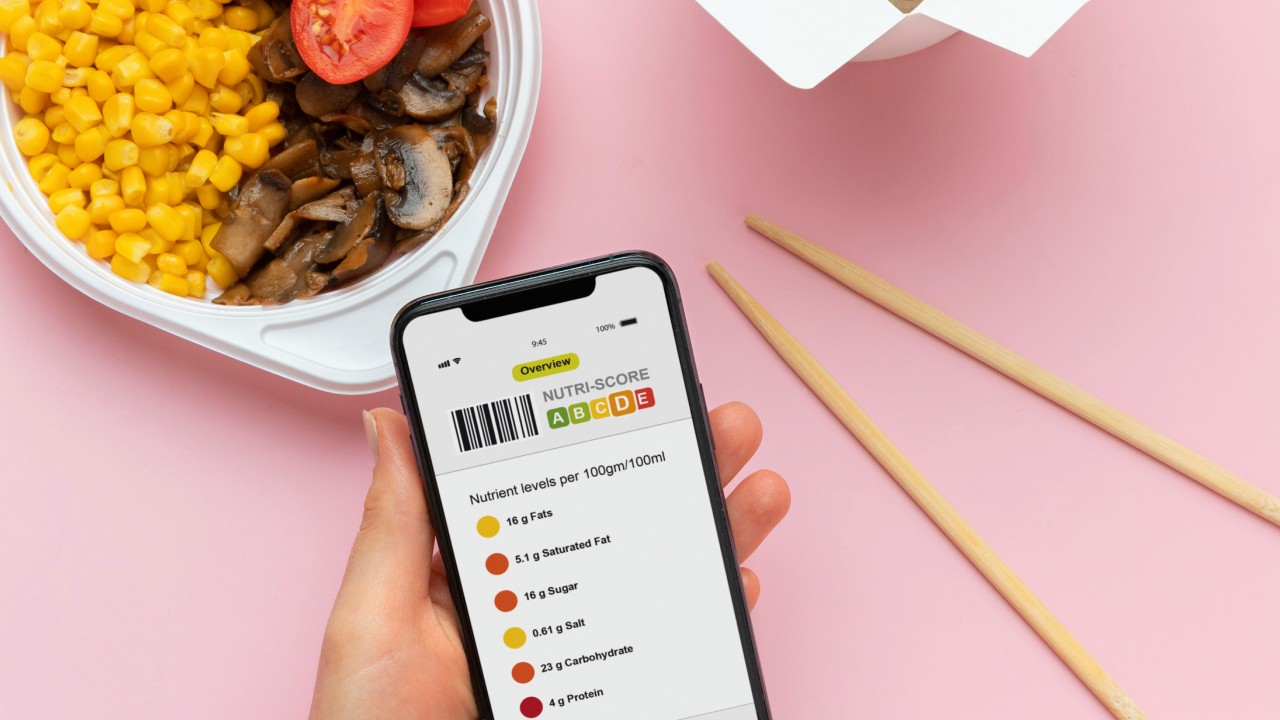
Alright, so you point your phone at a barcode and, magic! The food pops up. But what’s actually happening?
Your phone’s not using lasers or anything fancy like the scanners at checkout. It’s just taking a picture. Then some algorithms decode the pattern of black and white bars. This barcode is then cross-referenced against the app’s food database to retrieve nutritional information:
Macros (protein, carbs, and fats)
Serving size
Ingredients
Micronutrients, depending on the app
Sounds simple, and it pretty much is. In other words, it saves you from searching manually. The problem is that not all scanners (or databases) are made equal.
In the US and Canada, these scanners are solid. 95-99% of the time, they will recognize what you’re scanning.
But try scanning something from a local bakery, or a product from another country, or that new protein bar that just hit shelves? The success rate drops fast when the product isn’t already in the database.
The Real Advantages of Barcode Scanning
Speed and Convenience for Packaged Foods
The main pro of barcode scanners is undeniable: speed.
Scan a granola bar? Two seconds. Done.
Search for that same granola bar manually? You’re looking at 15-30 seconds of typing, scrolling, squinting at similar options, picking one, then adjusting the serving size.
A barcode scanner can save you 5-10 minutes per day, or roughly 50 hours annually. Scanners help keep things quick enough that you will actually keep doing it.
Accuracy for Branded Products
Here’s one thing scanners do really well: they give you the exact nutrition info from the actual label. No guessing, no “close enough” entries.
That matters because manual entries can get messy fast. You search for “peanut butter” and get like 200 options. There’s Jif, Skippy, store brand, natural, crunchy, reduced fat, or your homemade version... Which one actually matches what you’re eating? Who knows.
With a scanner, you’re getting the exact brand and variety you’re holding. Less room for errors.
Most importantly, the accuracy depends on the database.
Some apps are way better about this than others. MyNetDiary has like two million foods that actual nutrition experts have checked. Cronometer reviews everything before it goes public. They’re not just letting random people add whatever.
Other apps? They crowdsource everything. Anyone can submit a food entry. And sometimes, people make mistakes. Studies show that crowdsourced databases without any fact-checking have errors in 20-30% of entries.
Think about that. If you’re trying to hit a calorie target and a third of your entries are wrong? You’re basically flying blind.
So yeah, a barcode scan can be super accurate, but only if the app you’re using has the data right in the first place.
Less Brain Power and Decision Fatigue
One of the most underrated things about scanners? They save your brain from making a million tiny decisions. Every time you log food manually, you’re making all these little choices:
Which entry looks right?
Is this the correct brand or just close?
Did I pick the right serving size?
Should I go with the entry that has more complete info, even though it’s further down the list?
None of these are hard decisions, but they add up. And when you’re already juggling work, kids, errands, life... who has the mental energy to debate whether you’re logging your food accurately?
With a scanner: Point. Scan. Adjust the serving. Done. The brain can stay on autopilot.
For people with a lot on their plates, this actually matters. You’re way more likely to keep tracking when it doesn’t feel like another task that requires focus and careful thought.
The Hidden Limitations of Barcode Scanning
The Homemade Meal Blind Spot
Barcode scanners only work on stuff with barcodes. That butternut squash soup you spent an hour making? No barcode. Your epic stir-fry with a bunch of fresh veggies? No barcode there either.
This works great if you eat a lot of packaged food, but it completely falls apart for people who cook from scratch. One study found it actually underestimated calories by a ton for Asian diets and home-cooked meals.
So, what do you do with homemade stuff?
You’ve got options, but none of them involve your app’s barcode scanner:
Enter every single ingredient manually
Use the recipe builder and measure everything precisely
Pick a generic “chicken stir-fry” entry and hope it’s close
Challenges When Eating Out
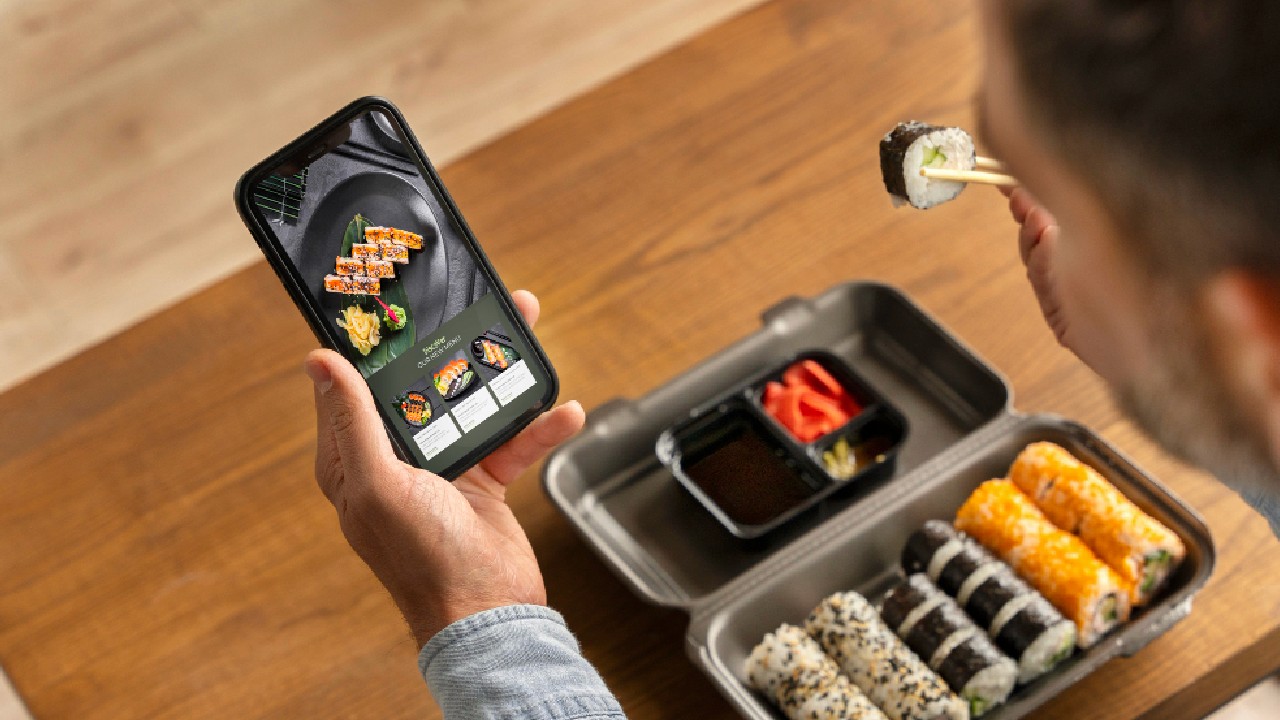
Go to a restaurant, and suddenly your barcode scanner becomes completely useless.
That salmon you just ordered? No barcode. The muffin from the local coffee shop? Unless it’s from Starbucks or Dunkin’ and comes pre-wrapped, there is no barcode there either.
None of the food trucks, hole-in-the-wall spots, or your favorite Thai place has a barcode you can scan.
So now you’re back to guessing portion sizes and scrolling through vague database entries.
Database Gaps and Errors
Even when you’re scanning actual packaged food, things can still go sideways. New products may not be in the database yet. Regional or international items often return “not found” errors. Small brands and specialty items frequently lack entries.
When this happens, you’re back to manual entry anyway.
Database maintenance presents another challenge. Food manufacturers reformulate products while keeping the same barcode. You might scan a product confidently, unaware that the nutritional information is outdated.
Ideal User Profiles for Barcode-Heavy Tracking
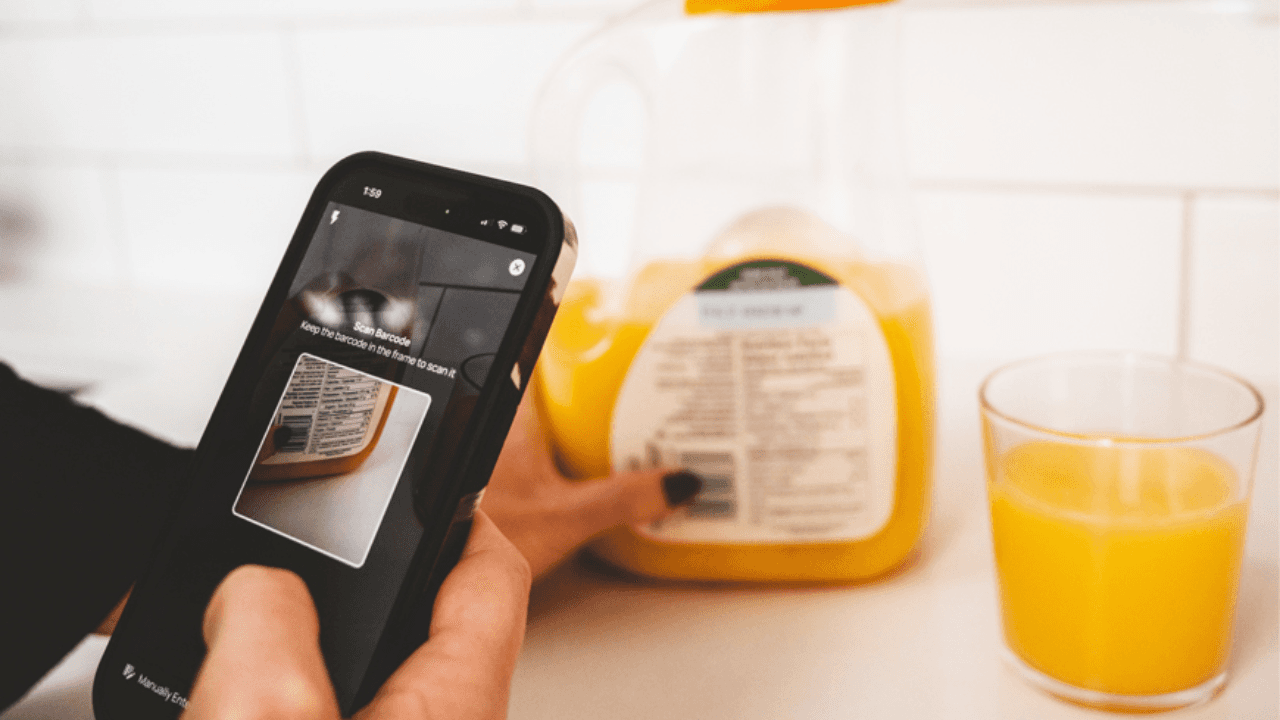
Scanners aren’t completely useless. They’re just useful for specific types of people.
You live on packaged food. Does your typical day involve eating protein bars for breakfast, Greek yogurt for snacks, a frozen meal for lunch, or a bottled smoothie post-workout? If 80% of what you eat comes in a wrapper with a barcode, then scan away.
You meal prep with packaged ingredients. You’re not making bone broth from scratch, but you are cooking in batches using canned beans, jarred marinara, boxed quinoa, or those pre-chopped veggie bags. Building recipes by scanning each ingredient once, then logging the whole meal over and over, is actually pretty efficient.
You eat the same stuff on repeat. If you eat the same cereal every morning. Same protein powder every day. Same brand of granola bars in your gym bag. Scan them once, they go into your favorites, and then it’s just one tap going forward. Scanners work great for creatures of habit.
You’re brand new to tracking. If you’re just starting out and feeling overwhelmed by serving sizes, database searches, and portion estimates, scanners make things easier. Point, scan, confirm. Done. When things are this simple, you can stick with it and slowly build the habit.
When Other Methods Serve You Better
On the flip side, if you fall into any of these categories, a barcode scanner probably won’t do much for you:
You actually cook. Fresh veggies, raw chicken, bulk rice, and olive oil measured from the bottle. If that’s your thing, you’ll barely touch the scanner. Recipe builders and manual entry will be your bread and butter, and they will probably be more accurate anyway.
You eat out a lot. If you’re hitting up restaurants multiple times a week, your scanner’s just taking up space on your screen. You’re better off with AI photo recognition or just carefully picking from generic restaurant entries. At least those are trying to help with the food you’re actually eating.
You eat a lot of international food. Shopping at Asian markets? Cooking Caribbean meals? Eating at that amazing Ethiopian spot? The database probably doesn’t have half your food. You’ll get way less frustrated just entering things manually using descriptions that actually make sense to you.
You’re all about the macros. If you’re not just counting calories but trying to hit exact protein/carb/fat targets, speed isn’t your priority. Complete data is. Sometimes the barcode entry is missing half the info you need. It’s better to search manually and pick an entry that actually shows you everything.
Conclusion
The pattern here? If your food doesn’t come in packages, scanners can’t help you. Simple as that.
The most successful food trackers don’t rely exclusively on any single method. They strategically combine tools: scanning packages when available, using saved favorites for repeated foods, building recipes for home-cooked meals, and leveraging AI for restaurant dishes. This flexible approach maintains both speed and accuracy across diverse eating patterns.
If you’re looking for an all-in-one food tracking app, Biteme is your trusted option! Track your nutrition, hydration, fitness, and weight goals, all in one place.