|

Share Article
Game day = snack minefield if you’re trying to actually track what you eat. One plate of nachos, a handful of wings, a few too many trips to the seven-layer dip... and suddenly you’ve eaten more calories than you did all week on a regular day.
But you don’t have to sit out the party or just guess and hope for the best.
Here’s how to actually log game day food in whatever app you’re using. We’ll get into how to log messy foods like nachos and dip (the ones that never have a clean entry), how to eyeball portions when there’s obviously no kitchen scale at a tailgate, and how to set up a calorie budget for the whole day.
Save this one, you’ll want it for the next World Cup, every Super Bowl, and playoff watch party from here on out.
Why Game Day Snacks Are So Hard to Track Accurately
Here’s why game day food messes with your tracking so bad: apps like MyFitnessPal and Biteme are built for simple, single foods. Some examples are an apple and a chicken breast.
But nachos aren’t one food. They’re chips, seasoned beef, three kinds of cheese, sour cream, guac, salsa, all piled on in totally random amounts. Nothing about that matches a clean database entry, which is exactly why so many people just throw in the towel on tracking during parties.
Then there’s the portion trap. Wings look harmless one at a time, but most apps count a “serving” as like 2-3 wings. That’s nowhere close to what you’re actually eating over a three-hour game. Chips and guac at a bar can run 1,240 calories for a single serving, which is more than half your day gone in one appetizer basket.
Here’s the thing most guides won’t tell you: the hard part was never the math. It’s figuring out what you’re actually eating. You don’t need to be a nutritionist; you just need a system for turning a chaotic plate into something you can actually log. That’s what we’re getting into next.
How to Log Nachos, Loaded Dips, and Other Mixed Snacks
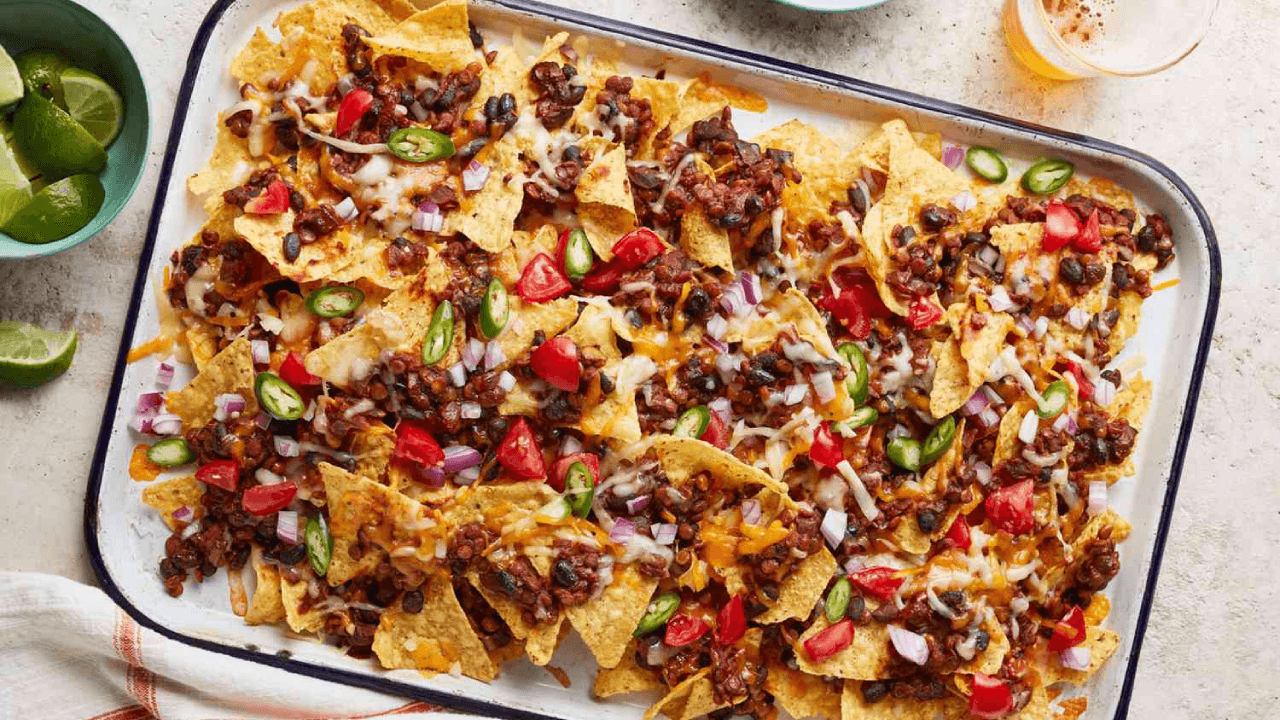
Source: Martha Stewart Website
Okay so the move with nachos, dips, all that layered stuff is to stop trying to log it as one thing. Instead, treat it like a recipe.
Skip the regular search bar and go to “recipe” or “custom food” in your food tracking app.
Break it into pieces (chips, seasoned meat, cheese, sour cream, guac, and salsa) and use actual gram or ounce amounts where you can.
Save it once you’ve built it, so next time it’s one tap instead of rebuilding the whole thing from scratch.
Divide it by how your group actually eats it, not whatever the recipe says. If it claims 8 servings but you know it’s really getting split 4 ways, log it as 4.
This matters because the generic “nachos” entry already in the app assumes restaurant portions, and that’s probably not what’s happening at your house.
Rough ballpark if you can’t build a custom entry on the spot: loaded nachos run around 787 calories and 46g of fat a serving, guac and chips land around 300 calories a serving, and spinach artichoke dip is closer to 500 calories with 35g of fat per serving.
Good enough numbers to start from when you’re not about to whip out a food scale mid-party.
Estimating Portions Without a Scale
You don’t need to weigh every chip at the party, but calibrating your eye once makes a huge difference for the rest of the season.
Do one scale check at home, one time. Weigh out a normal handful of chips, a scoop of guac, or a couple of wings, just so you know what those portions actually look like on a real plate.
Use your hands and utensils as a shortcut. A level scoop from a serving spoon is about 2 tablespoons. A “handful” of chips is really more like 10-15 chips, not the 6-8 most apps assume.
When in doubt, round up. People underestimate how much they’re eating pretty much across the board, especially with rich food coming out of a shared bowl.
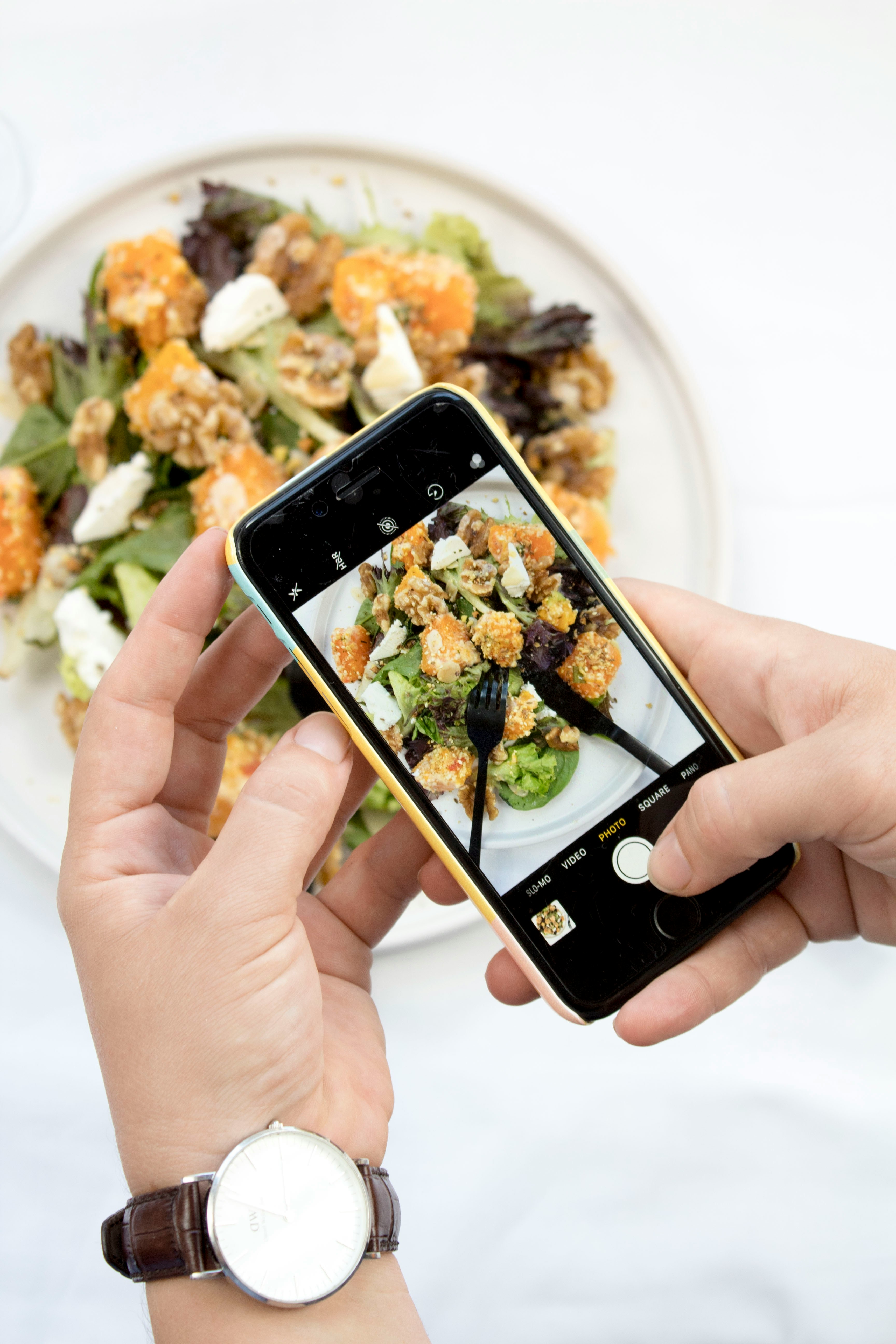
Snap a pic of your plate before you dig in. It’s a small habit that does double duty. It gives you something to log later and gives you a second to pause before going back for more.
Tracking Drinks and Beverages on Game Day
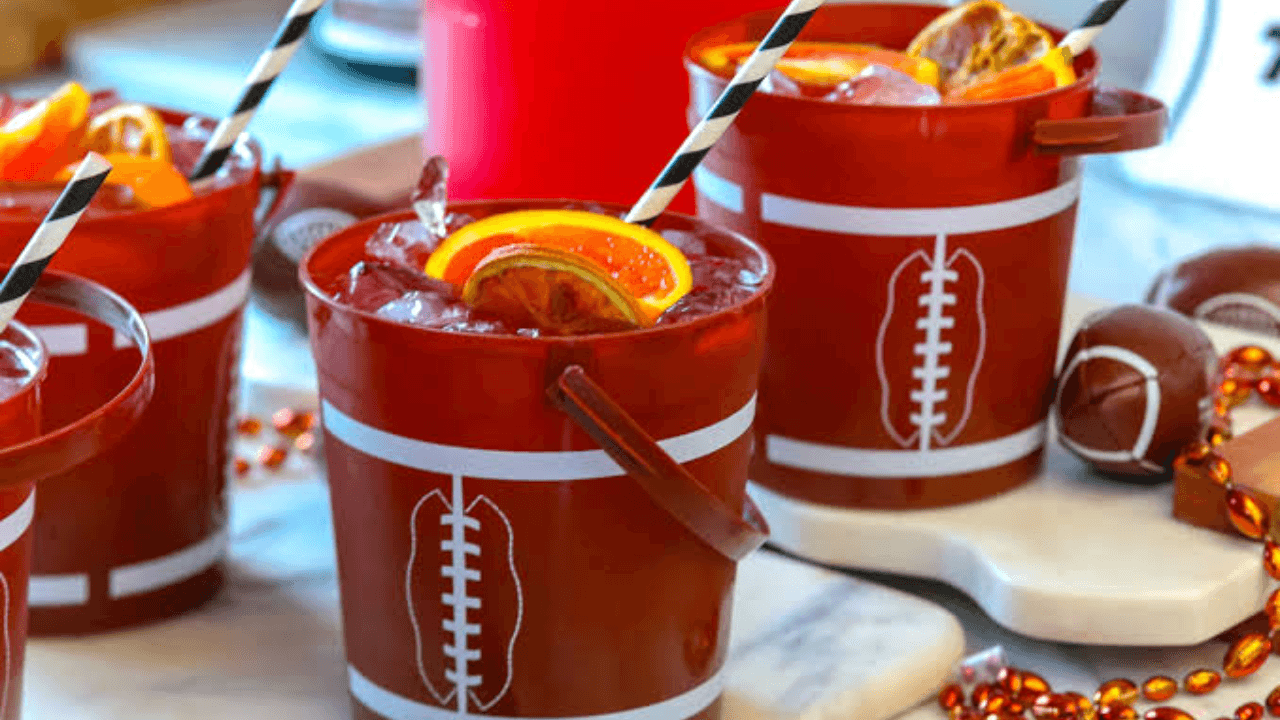
Beer, cocktails, and soda are the sneaky calories. They don’t feel like “real food,” so it’s easy to just... not count them. But a beer can run anywhere from 100 to 250+ calories depending on what you’re drinking, and two cocktails in can already tack on 300-500 calories before you’ve touched the chip bowl.
Log it as you pour it. Wait till the end of the game and you’ve lost count somewhere around drink three.
Search by brand name first. Most beers, seltzers, and sodas are already sitting in the app’s database with solid calorie info, so you don’t have to guess.
Keep water going between drinks. It’s an easy habit, and it happens to slow down the snacking too.
Setting a Realistic Calorie Budget for the Whole Event
Don’t try to hit your normal daily number on game day. Plan for the party separately instead. Honestly, this one mindset shift is what keeps people tracking through the whole football season instead of giving up by halftime.
Pick your “party number” the night before. Make it a little higher than your usual target, and decide it on purpose instead of realizing it in horror the next morning.
Front-load lighter meals. Go protein-heavy at breakfast and lunch, and if you log those first, most apps will just show you how much room you’ve got left.
Log your plate before you eat it, not after. That way tracking actually helps you decide what to eat, instead of turning into a guilt trip at 11 pm.
Look at your weekly average, not just one day. One bad (or good) day doesn’t mean much on its own — it’s the trend over time that actually tells you something.
Using Barcode Scanners and AI Tools for Packaged Snacks
Chips, pretzels, string cheese, and store-bought dip are packaged snacks that are actually the easy stuff to log, because it’s already got a barcode doing the work for you.
Scan it before you rip the bag open. Way easier to get a clean scan while the label’s still flat.
Check the serving size, not just the calorie count. Some dips call 2 tablespoons a serving, which is basically nothing compared to what you’d actually scoop.
For homemade stuff without packaging, just snap a photo. A lot of apps have an AI scan feature now that’ll figure out what’s on your plate and estimate the portions straight from the picture.
Search takeout and delivery by the restaurant name. Wings, pizza, or whatever you eat, the big chains are usually already in there, so you don’t have to eyeball it.
Sample Game Day Calorie Log
Just to make this less abstract, here’s roughly what a day of tracked (but not restrictive) game day eating could look like:
Item | About How Much | About How Many Calories |
Chips + guac | 1 cup chips, ½ cup guac | ~450 |
Buffalo wings | 4 wings | ~320 |
Spinach artichoke dip | ½ cup with crackers | ~400 |
Beer (2) | 12 oz each | ~300 |
Mini desserts | 2 pieces | ~150 |
Total | ~1,620 |
Common Tracking Mistakes to Avoid on Game Day
Logging “1 serving” of nachos and calling it done
Forgetting the sauces
Logging the food but skipping the drinks entirely
Waiting till the next morning to log
Treating one big day like you blew it
Conclusion
You don’t have to skip the nachos or the wings to keep track of game day; you just need a slightly different approach than your usual routine. Save your go-to dishes as recipes, get a feel for portions once with a scale, log drinks as you go, and set a party number ahead of time. Do that, and you’re most of the way there, even with a messy, shared spread.
The point isn’t to nail one perfect Sunday. It’s staying consistent enough over a whole season that it actually sticks.
So before kickoff, spend five minutes saving your usual snacks as recipes in your app like Biteme. Future you, standing there with a plate in your hand during the third quarter, will be glad you did. Download for free today!
Share Article
Recent Posts