|

Share Article
You set your goals. You downloaded the app. You tracked every meal, but sometimes life can be a little bit hectic.
Good news: one skipped day doesn’t undo anything. While staying consistent is great for long-term results, “perfect” isn’t the goal. Progress is.
In this post, we’re going to cover the easiest way to backfill your log so it’s accurate enough, and how you can build a routine so forgetting doesn’t become a habit. Let’s get started!
Why Forgetting to Log Meals Is More Common Than You Think
If you’ve ever told yourself, “I’ll log that later” and then completely forgotten about it, you’re in good company. Nutrition experts actually have a name for it: calorie amnesia. It’s just the very human tendency to forget or underestimate what you ate when you didn’t write it down right away. It happens to pretty much everyone who tracks food.
The reasons are pretty predictable: life gets busy, you’re at a meal with friends and pulling out your phone feels weird, you ate something you can’t figure out how to search in the app, or eating is so automatic that it barely registers as something you did.
Here’s the thing, though: the problem usually isn’t motivation. Most people who use a food tracking app actually want to log their meals. The gap is between wanting to do it and remembering to do it in the moment, which is a pretty normal thing to struggle with, and honestly, a lot easier to fix than not caring at all.
Reframing What a “Perfect” Log Looks Like
A perfect food log is not one with zero missed entries. A perfect food log is one that you actually come back to. Every time you open your app after a lapse and start logging again, you are doing exactly what the tool was designed for.
The apps themselves are built around this reality; Biteme, MyFitnessPal, Cronometer, and others all allow retroactive logging precisely because users miss entries. This isn’t a bug in your behavior; it’s an expected part of the process.
What to Do When You Forget to Log Your Meals
Step 1: Don’t Skip the Day, Reconstruct It
The moment you realize you forgot to log a meal, the first instinct is often to leave it blank and move on.
Resist that instinct.
A reconstructed log entry, even an imperfect one, is almost always more useful than no entry at all.
Most major food tracking apps allow you to backdate entries. You can just tap the date at the top of your diary and scroll back to any previous day. This retroactive logging feature exists specifically for moments like this.
How to Reconstruct Yesterday’s Meals
Start with what you do remember clearly, usually your largest meal of the day. Work outward from there. Use these memory triggers:
Receipts and bank statements. If you bought food anywhere, there’s likely a digital receipt or card transaction that can jog your memory about where and approximately what you ate.
Photo roll. Many people photograph meals unconsciously, or a background shot may show what was on the table. Even a social media story from the day can be a useful reference.
Time anchors. Walk yourself through your day chronologically. What were you doing at 8 AM, noon, and evening? Each activity can trigger a food memory.
Conversation memories. If you ate with someone, you’ll often remember what they had, and your own order will follow naturally.
Log what you remember with the best accuracy you can. An estimate entered in good faith is far more valuable than a blank entry.
Step 2: Estimate Missed Meals Accurately
Estimating portions is a skill, and you genuinely get better at it over time. The more you track, the more your brain just starts to know what a cup of rice looks like. But when you’re logging something after the fact, a few mental anchors help.
Visual Portion References
These aren’t perfectly precise, but they’ll get you close enough:
A 3-oz serving of meat = a deck of cards
Half a cup of rice or pasta = a tennis ball
A tablespoon of peanut butter or sauce = your thumb tip
A medium apple or orange = a baseball
Using Generic Database Entries
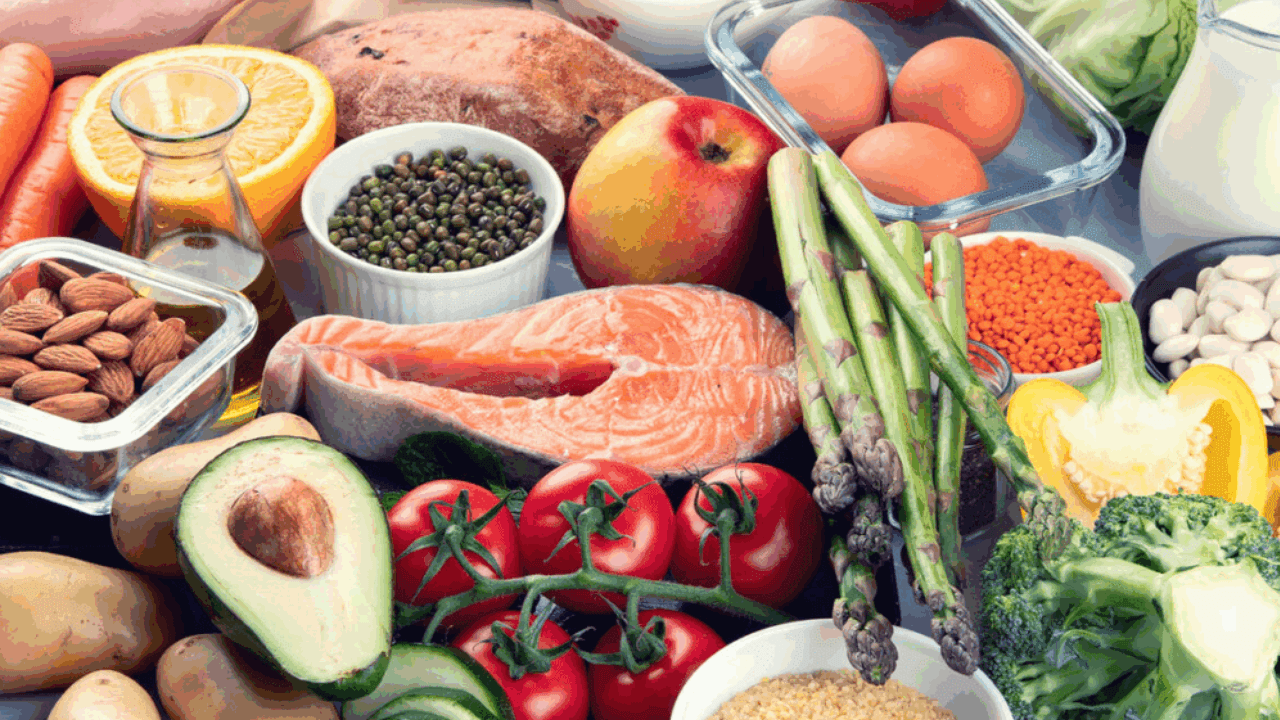
Can’t find the exact thing you ate? Just search for a generic version.
Had a muffin from a local bakery? Search “blueberry muffin” and pick whatever matches the size. Apps like Biteme all have solid generic entries for common foods that work perfectly fine as stand-ins.
The “Round Up a Little” Rule
Even under perfect conditions, calorie counts aren’t exact. Food labels in many countries are legally allowed to be off by up to 20%. So don’t stress over getting the number perfect.
When you’re unsure, just nudge your estimate slightly higher, especially for things like oils, cheese, nuts, and sauces. It builds in a small buffer and keeps your log more honest without requiring you to stress over every gram.
Step 3: Use App Features You Probably Haven’t Tried Yet
Most food tracking apps have a bunch of time-saving tools that people just... never discover. If you’re still logging every meal manually from scratch, these are worth knowing about.
AI Photo Scanning
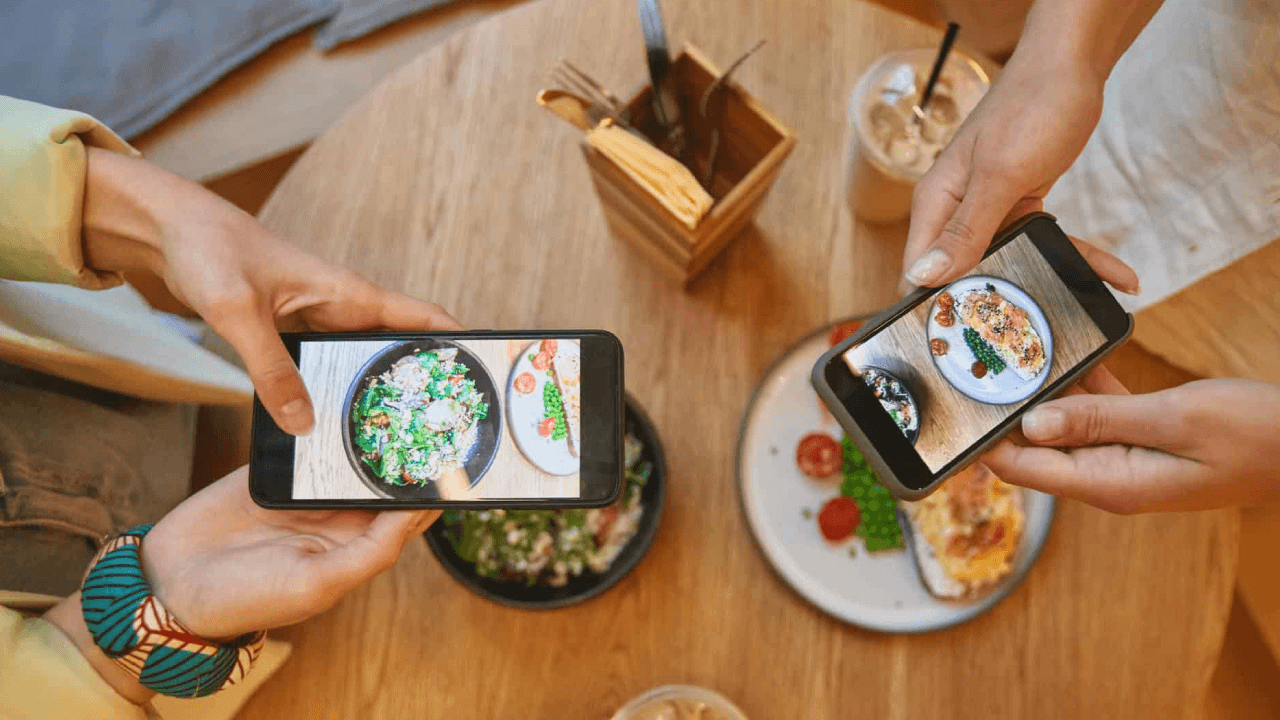
Food logging apps have this cool feature where you can just take a photo of your food, and it’ll try to log everything for you.
Is it perfect? Not quite, because it might miss the butter you used or that extra drizzle of sauce. Still, it’s a massive head start compared to typing everything in by hand.
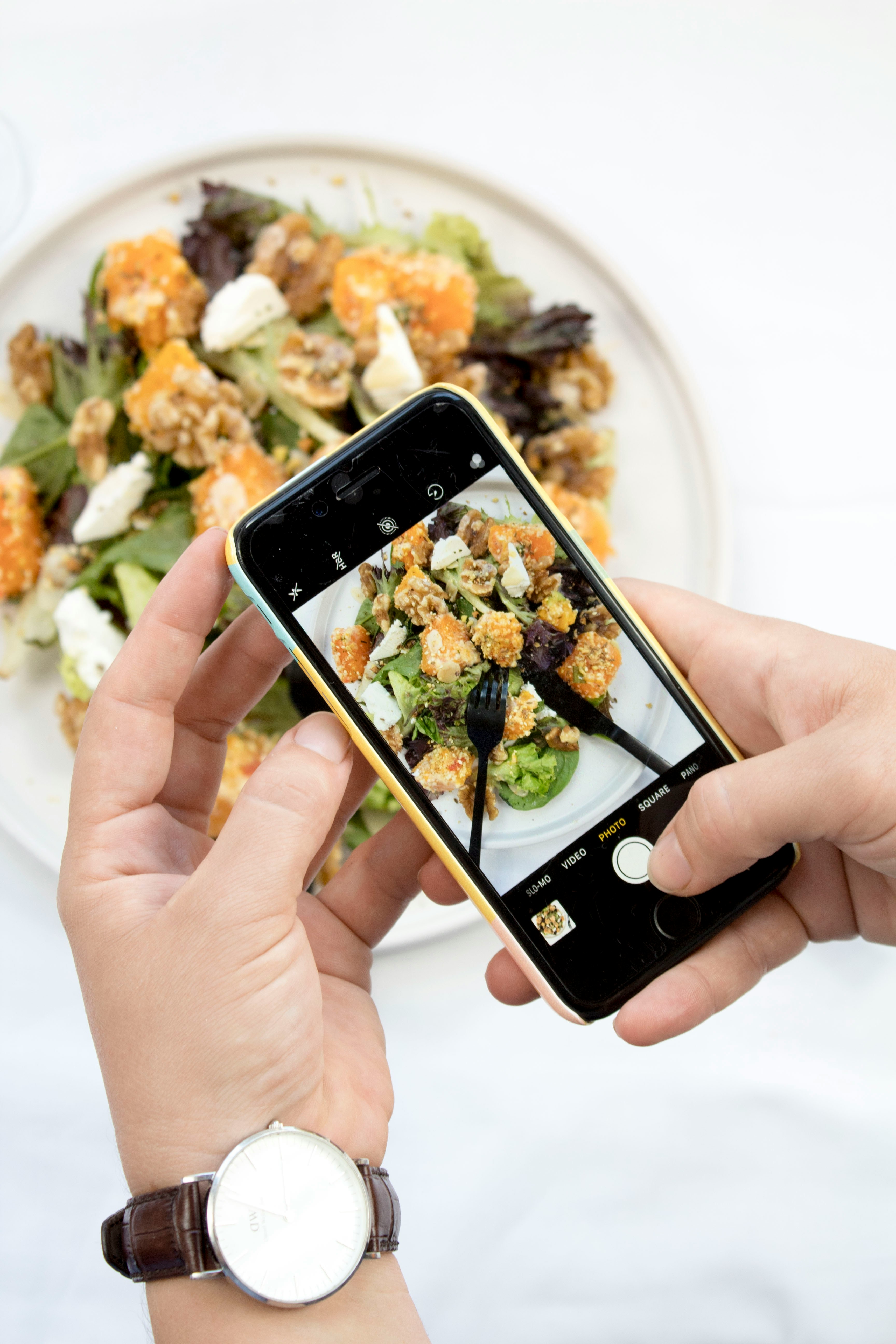
If you’re out at a restaurant and don’t want to be that person tapping away at your phone while everyone’s chatting, just snap a quick photo of your plate. You can deal with the actual logging later when you’re chilling on the couch, and you’ll actually have a visual reminder so you don’t forget that side of fries.
Saved Meals
This one’s massively underused. If you eat the same breakfast most days (eggs, toast, coffee, or whatever), you can save the whole thing as one entry and log it with a single tap.
Huge time saver for real-time logging, and even better when you’re catching up retroactively and just need to add “the usual.”
Barcode Scanning
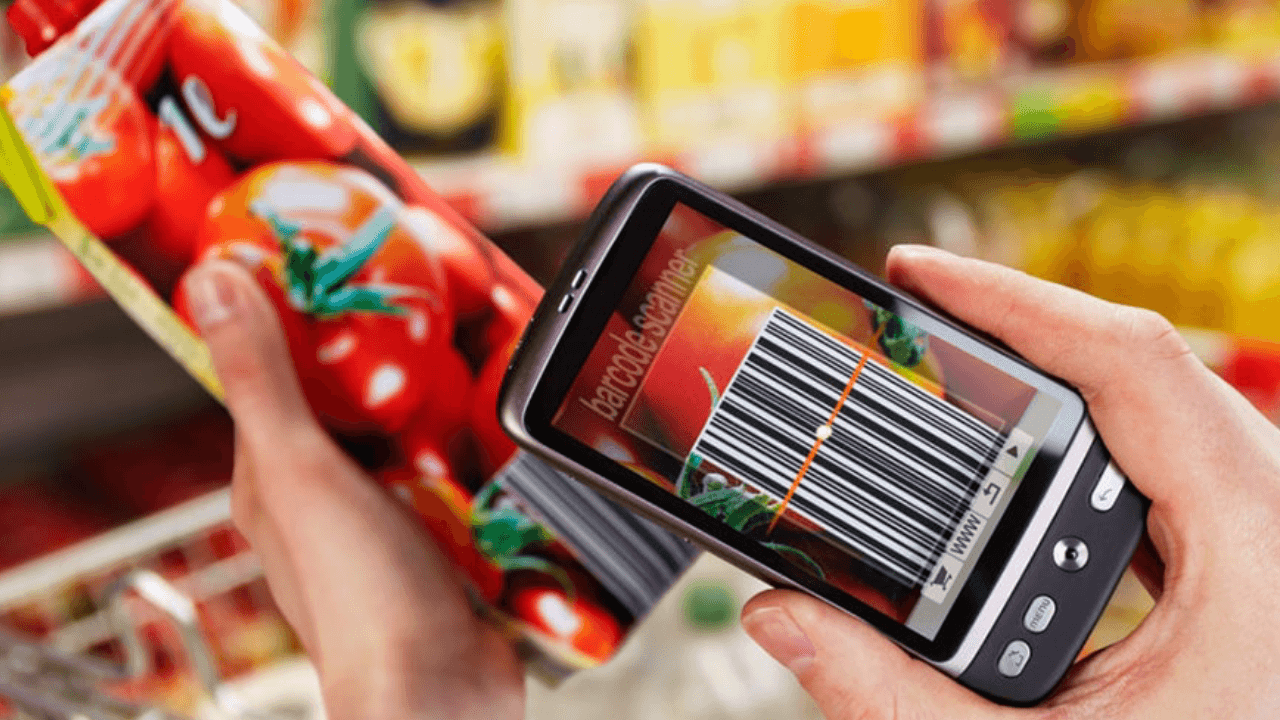
For packaged foods, barcode scanning is still the fastest and most accurate option. If you still have the wrapper or box, scan it even after the fact. Full nutritional info, no guessing required.
Quick Entry/Calorie-Only Logging
Can’t find what you ate in the database? Most apps let you log just a calorie estimate without specifying the exact food. It’s not detailed, but an approximate entry is always better than leaving it blank, especially for restaurant meals or anything complicated to break down.
How Habit Stacking Makes Food Logging Automatic
The best fix for forgotten logs isn’t trying harder to remember. Actually, it’s setting things up so you barely have to think about it at all. That’s where habit stacking comes in.
The idea is simple: attach a new habit to something you already do automatically. The existing habit becomes the trigger, so you’re not relying on willpower or memory to get started.
Research backs this up pretty strongly. A 2025 study in the Journal of Applied Psychology found that habit stacking made new habits stick 64% more often than trying to build them from scratch on their own.
It’s very simple to build a food lagging stack. The formula is just: “After [thing I already do], I’ll log my food.”
“After I sit down to eat, I’ll open my app.”
“After my morning coffee, I’ll log breakfast.”
“After I clear my dinner dishes, I’ll do a quick log review.”
The trick is picking an existing habit that naturally lines up with whichever meal you tend to forget most. For most people that’s lunch (busy workday, easy to skip) and snacks (less structured, so easier to overlook entirely).
Setting Up Your Environment for Consistent Logging

Habit stacking is great, but your environment can do a lot of the heavy lifting too. When logging is easy to access and hard to forget, you end up doing it way more.
Follow these simple tips:
Pin your food tracking app to your phone’s home screen
Set your phone’s widget to show your daily nutrition summary
Keep a water bottle visible on your desk as a reminder to log beverages
Keep a sticky note on your laptop that says “Log Lunch”
The goal is to stop relying on remembering to log and start making it something your environment just... prompts you to do.
Conclusion
Forgetting to log your meals is one of the most universal experiences among food tracking app users. The habit of food logging is built over weeks and months, not undermined by a single empty diary day.
So the next time you realize you forgot to log, don’t close the app. Open it, do your best to reconstruct what you remember, and set yourself up with one new habit or reminder to make tomorrow easier. Every entry you make is a data point working in your favor.
If you’re looking for an all-in-one food tracking app, Biteme is what you need. Download now for free.
Share Article
Recent Posts